New, build and run
Three commands take you from nothing to a game running on the console:
chilichip new space-cat
cd space-cat
chilichip run              # on your computer
chilichip run --console    # on the console
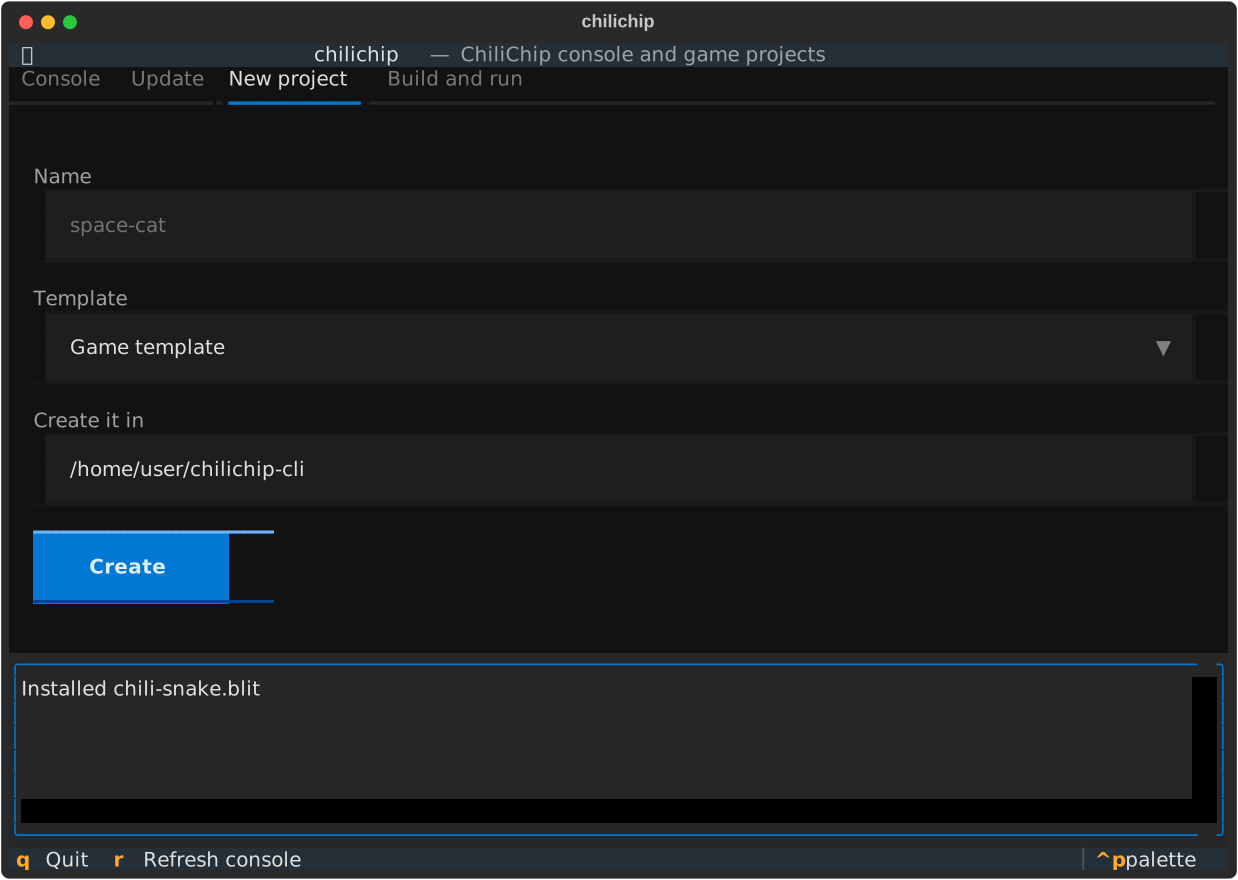
New
chilichip new NAME [--template game|rpg] [--author NAME]
- Downloads the latest game template (or the RPG template) into a folder called
NAME, without the template's git history. - Renames it:
project(NAME ...)inCMakeLists.txt, andtitleandauthorinmetadata.yml. The author isgit config user.nameunless you pass--author. - Starts a fresh git repository with one commit.
- Checks that
32blit-sdk,pico-sdkandpico-extrasare next to the game, and offers to download the missing ones from chili-chip.
$ chilichip new space-cat
Created /home/ada/projects/space-cat
Missing next to your game: pico-sdk, pico-extras
Download them now? [Y/n]: y
Next: cd space-cat && chilichip run
| Template | What you get |
|---|---|
game (default) |
A small working game with CMake presets for desktop and console, CI, and a save example. |
rpg |
An RPG starter with tile map assets. It has no CMake presets, so chilichip passes the same settings itself. |
The name becomes the CMake target and the title on the home screen, so it can have up to 24 letters, digits, - and _, and starts with a letter. Change the title later in metadata.yml.
Build
chilichip build             # for this computer (default)
chilichip build --console   # a .blit for the console
Run it anywhere inside the game folder. It wraps the template's CMake presets:
| Flag | Preset | Output |
|---|---|---|
--desktop |
linux |
out/build/linux/NAME.elf |
--console |
vgc-blit |
out/build/vgc-blit/NAME.blit |
The first build configures the folder (cmake --preset ...); later builds only run cmake --build. CMake's own output is shown as it runs. To start over, delete out/build/<preset>.
The same presets work in VS Code's CMake Tools, so the editor and chilichip share build folders.
Run
chilichip run               # build, then start the game on this computer
chilichip run --console     # build, install over USB, then start it on the console
run --console checks the .blit before uploading, like install does, and uses the console's API version from its loader.
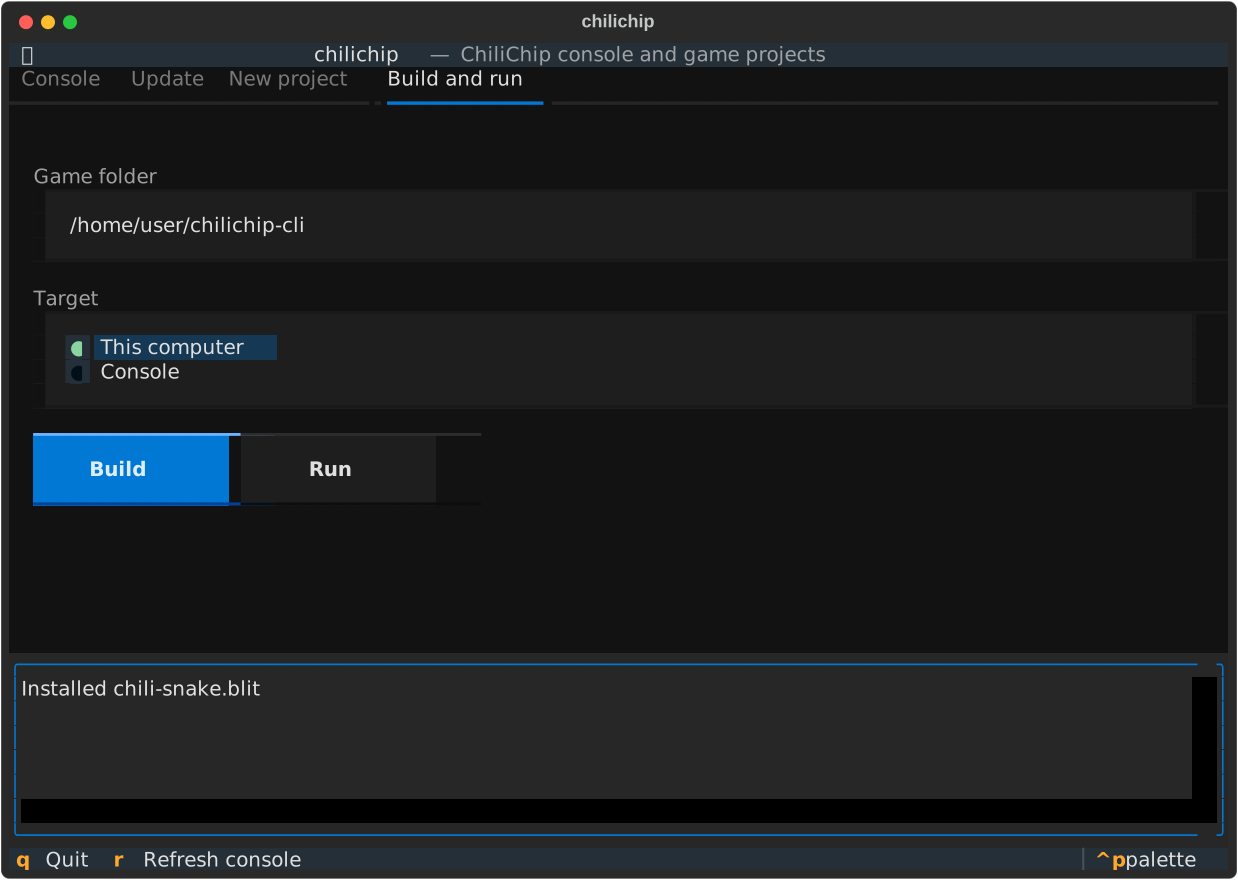
Supported systems
| System | Desktop builds | Console builds |
|---|---|---|
| Linux | yes | yes |
| macOS | yes | yes |
| Windows (WSL) | yes | yes |
| Windows (native) | no, use Visual Studio as the SDK docs describe | no |