Update the firmware
chilichip update
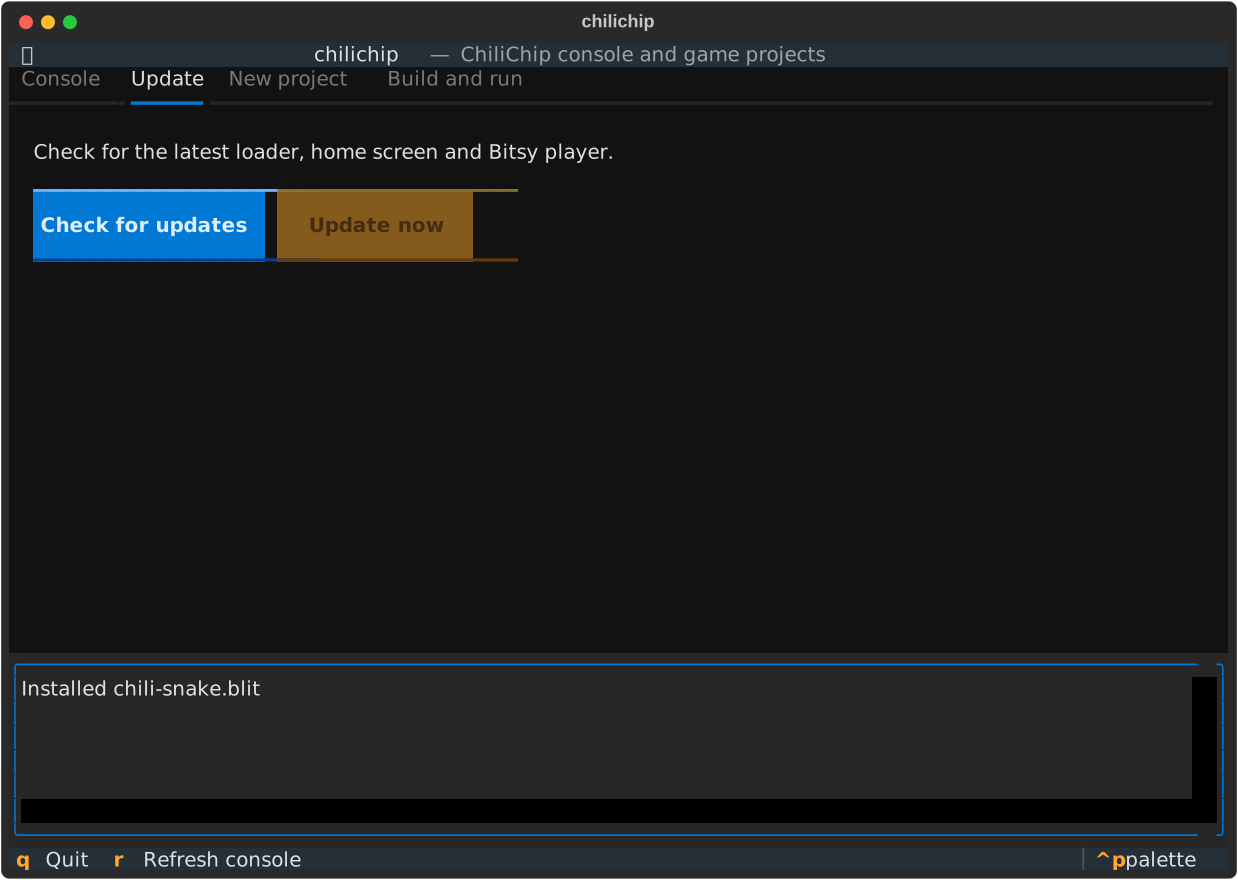
This brings a connected console to the latest firmware in one step. Installed games, saves and settings stay.
What gets installed
| Part | File | Comes from | How it is installed |
|---|---|---|---|
| Loader (the system firmware) | blit-loader.uf2 |
32blit-sdk release, *-VGC-blit.zip |
BOOTSEL mode, UF2 copy |
| Home screen (ChiliChip OS) | vgc-os.blit |
the same zip | USB serial, like a game |
| Bitsy player | *.blit |
citsy-32blit release | USB serial, like a game |
If the latest citsy-32blit release has no .blit file yet, update says so and installs the other two.
What happens
sequenceDiagram
    participant C as chilichip
    participant G as GitHub
    participant L as Console (loader)
    participant B as RP2350 drive
    C->>G: latest release of 32blit-sdk and citsy-32blit
    G-->>C: files + sha256 digests
    C->>L: 32BLVERS (loader version) and 32BL__LS (installed games)
    L-->>C: v1.0.0, game list
    Note over C: show the changes and ask
    C->>L: open the port at 1200 baud
    L->>B: restart into BOOTSEL
    C->>B: copy blit-loader.uf2
    B->>L: flash, restart
C->>L: 32BLPROG vgc-os.blit, 32BLPROG Bitsy player- Download.
chilichipasks GitHub for the latest releases and downloads the files into its cache folder. Each file is checked against the sha256 digest GitHub publishes. A file that doesn't match is deleted and the update stops. - Compare. It asks the loader for its version, and reads the installed home screen and Bitsy player from the game list. A part is skipped when it is already current:
- the loader, when its version is the same as or newer than the release;
- the home screen and Bitsy player, when the installed copy has the same title, author and checksum.
-
Ask. It prints what changes and asks before flashing:
$ chilichip update Latest firmware: v1.0.1 This update changes: Loader: v1.0.0 -> v1.0.1 ChiliChip OS: v1.0.0 -> v1.0.0 Installed games, saves and settings are kept. Update now? [y/N]: y Restarting the console into BOOTSEL mode... Copying blit-loader.uf2 to /media/ada/RP2350... Installing vgc-os.blit... Done. The console runs v1.0.1. -
Flash the loader. It restarts the console into BOOTSEL mode with the "1200 baud touch" (opening the serial port at 1200 baud), waits for the
RP2350drive, and copiesblit-loader.uf2onto it. The console flashes itself and restarts. - Install the rest. When the console is back, it installs the home screen and the Bitsy player over USB serial.
Nothing to do? It says so and stops:
$ chilichip update
Latest firmware: v1.0.1
The console is up to date (v1.0.1).
Loaders older than the version command
Loaders built before the 32BLVERS command don't report a version; they print got: 32BLVERS instead. update treats them as out of date and shows Loader: unknown -> v1.0.1. After one update, the version check works.
If the console doesn't restart by itself
If no RP2350 drive appears within 10 seconds, update asks you to do it by hand and waits up to two minutes:
- Switch the console off.
- Hold the top X button and switch it on.
The update carries on as soon as the drive appears.
Options
| Option | Effect |
|---|---|
--yes, -y |
Don't ask before flashing. |
--force |
Flash everything, even parts that are already current. |
--factory |
Set up a new or wiped console. See below. |
Set up a new console
chilichip update --factory
Use this for a console with no loader yet, or one that doesn't start. It copies vgc-os-factory.uf2 (the loader with the home screen already in it) in BOOTSEL mode, then installs the Bitsy player.
- If the console is connected and running a loader,
chilichiprestarts it into BOOTSEL mode. - Otherwise it asks you to hold X and switch it on.
Warning
The factory image writes the home screen at 256 KB in flash. A game installed there is overwritten and needs installing again. Other games, saves and settings stay.
Where the downloads go
Files are cached so a second run doesn't download them again:
| System | Cache folder |
|---|---|
| Linux | ~/.config/chilichip/cache/ |
| macOS | ~/Library/Application Support/chilichip/cache/ |
| Windows | %APPDATA%\chilichip\cache\ |
Delete the folder to free the space. Set GITHUB_TOKEN if you hit GitHub's API rate limit (60 requests an hour without a token).
The manual way
chilichip update does the same steps as Flashing and the loader in the SDK docs. Use those steps if you can't install chilichip.